
How to Withdraw Cryptocurrency
1.On-chain Withdrawal
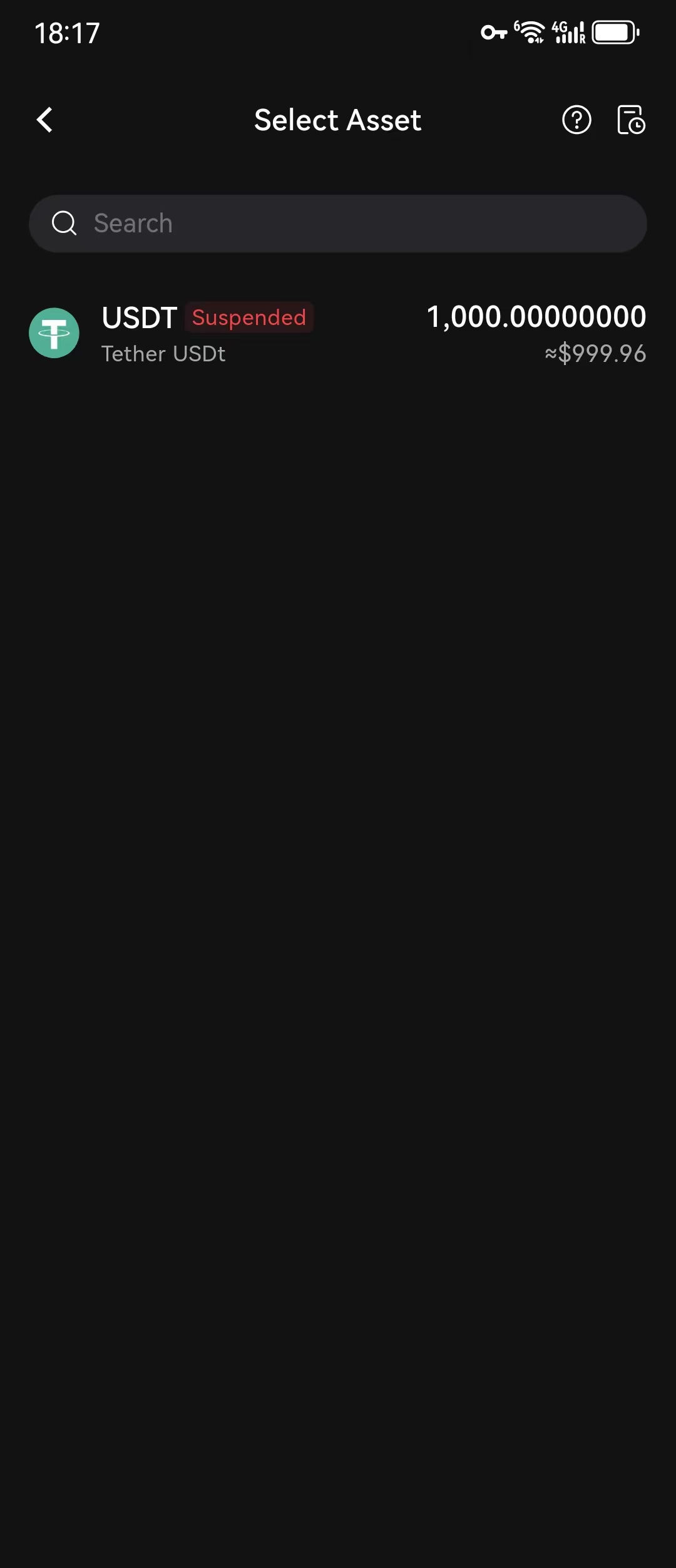
(1) Open the app's homepage, click on 【Assets】—【Withdraw】—【Withdraw Digital Currency】— Search for the cryptocurrency 【USDT】.
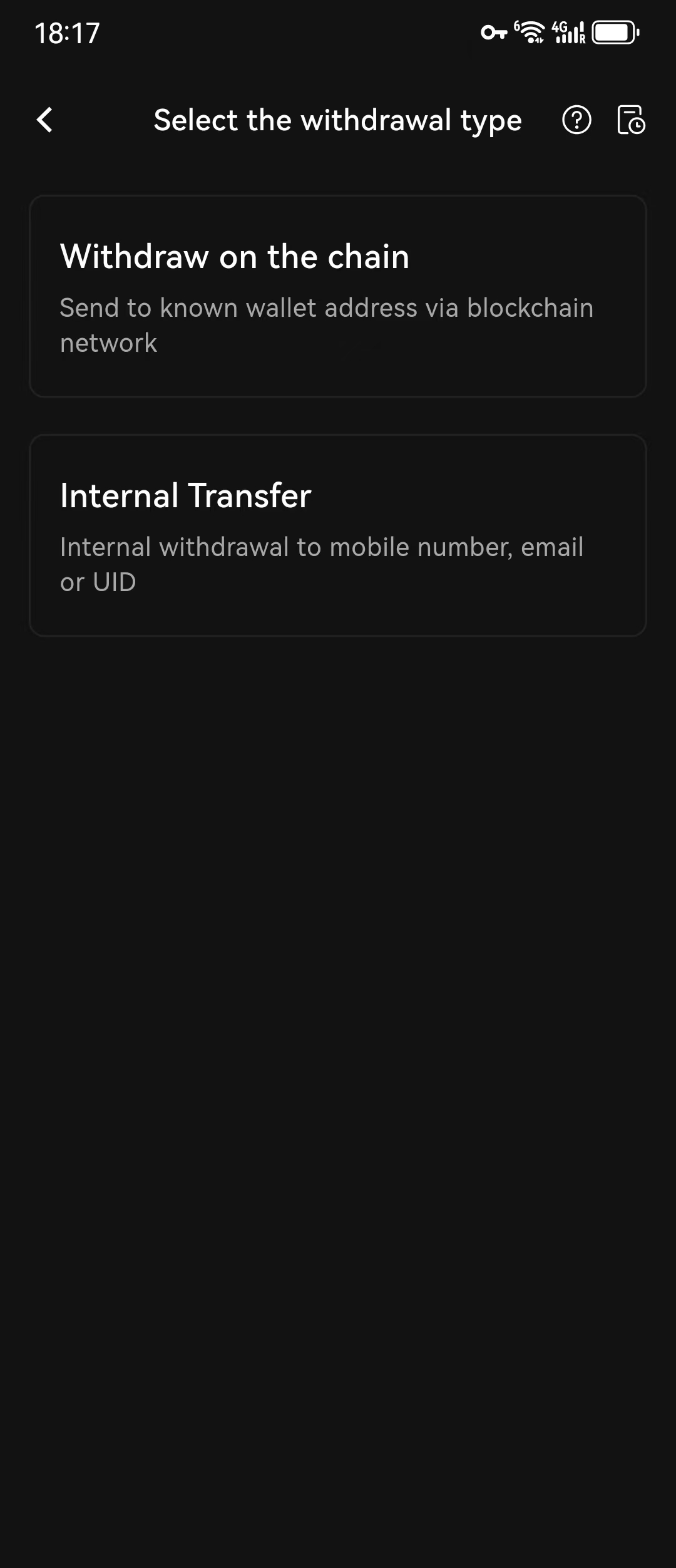
(2) Select the destination 【Address Book / Other Exchange or Wallet】 - Choose the 【Withdrawal Network】 - Scan the QR code or paste the 【Withdrawal Address】 / Select from the address book - Enter the 【Withdrawal Amount】 - Click 【Submit】. Users can check the minimum withdrawal amount before entering the withdrawal amount.
(3) Enter the required password and verification code to complete the operation.
Note:
(1) When selecting the withdrawal network, the deposit network for other exchanges or wallets must match the withdrawal network on BitradeX, for example, both should be ETH (ERC20); otherwise, the coins will be lost.
(2) If you have completed the binding of your phone number, email, and identity verification application, when you verify the withdrawal, you will need to complete the identity verification application and email verification. SMS verification will not be available.